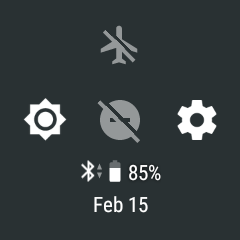
Battery-saver
In the battery saver mode some of the M600 activities are reduced to extend your smartwatch's battery life. Battery saver limits the following:
- Vibration
- Location services
- Wi-Fi & mobile usage
- Data & app updates
- Always-on display
To turn the battery saver on/off
- Swipe down from the top of the home screen
- Tap the settings icon.
- Tap System.
- Tap Battery saver to toggle between turning the battery saver mode on (the switch is blue) and off (the switch is gray).
- Confirm turning the battery saver mode on by tapping the check mark icon.