
















Vantage V3 - 6.0.18 firmware update
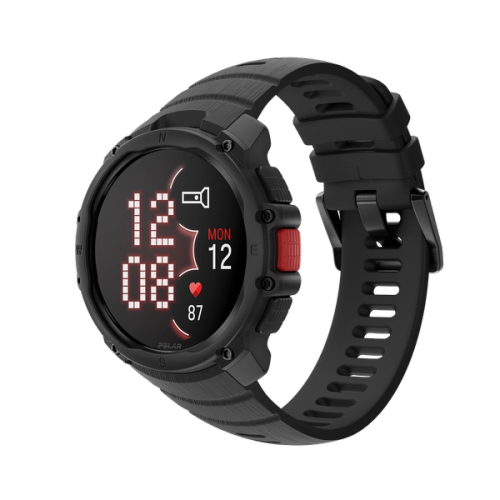
There is a new firmware update available for Polar Vantage V3. You can update your watch on your mobile via the Flow app or on your computer via FlowSync.
Version number: 6.0.18
Release date: September 30th, 2026
New graphs for key metrics
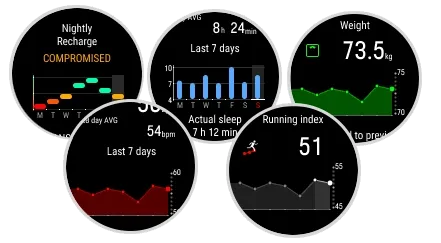
This update adds graphs for several metrics on your watch, making it easier to follow trends over time.
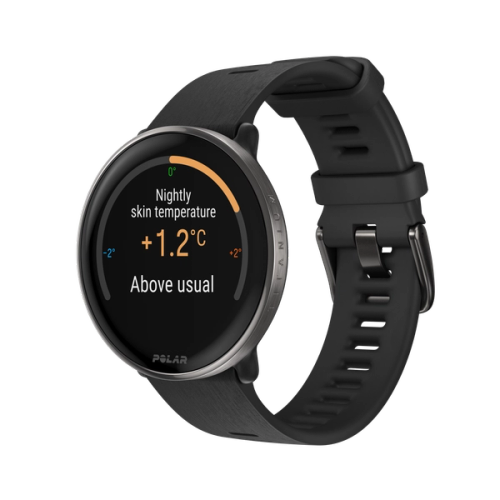
- Sleep and recovery: Seven-day graphs are available for your Nightly Recharge, ANS charge, Sleep charge, nightly heart rate, nightly heart rate variability, nightly breathing rate, and sleep duration.
- Running index: A graph of your seven most recent Running Index results is available in the Weekly summary view.
- Weight: A graph of your seven most recent weight measurements is available in the Daily activity view.
- ECG: A graph of your seven most recent ECG test results is available in the ECG test history view.
Custom button
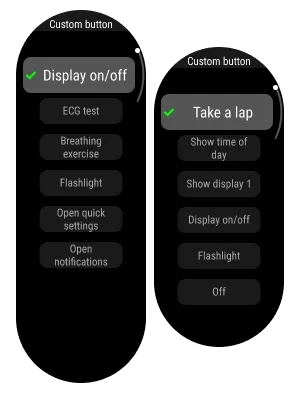
The LIGHT button is now the Custom button.
The Custom button provides quick access to selected functions. By default, the custom button turns the backlight on or off. You can choose one function for time mode and a separate function for each sport during training in Settings. For more information, see Custom button in the user manual.
Sports settings on watch
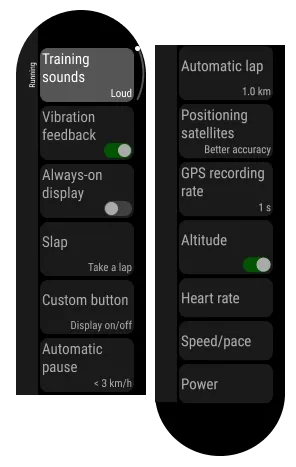
All key settings for each sport profile are now available directly on your watch. You can access Sport settings from Settings in the main menu, in pre-training mode, or during a paused training session. For more information, see Sport settings in the user manual.
Menu UI update
This update refreshes your watch menu with updated colors and smoother transition animations.
It also reorganizes some menu items. Some settings previously available from Settings in pre-training mode have been moved to the new Sport settings, and Timers is now available directly from pre-training mode.
Optional battery charge limit
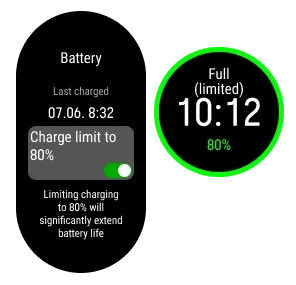
You can now set your watch to stop charging at 80% to help extend the battery's lifespan. Turn on Charge limit 80% in Settings > General settings > Battery.
New digital watch face backgrounds
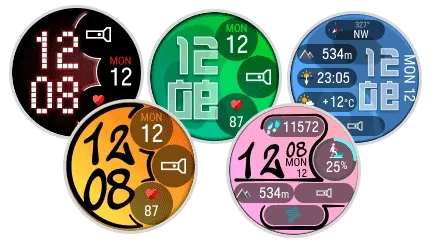
This update adds more background style options for the digital watch face, giving you more ways to customize the time view on your watch.
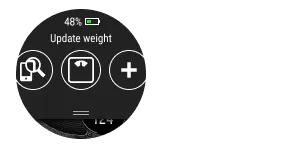
Quick weight input
You can now access weight input from the quick settings menu, which you open by swiping down from the top of the display in time view. In Physical settings, you can set a reminder to update your weight.
Other improvements and fixes in this release
- Improved the OHR algorithm to reduce occasional drops in optical heart rate readings during training, sleep, and daily wear, and to enhance accuracy across diverse skin characteristics.
- Fixed an issue that could cause erroneous "Couldn't find cadence and speed sensors" alerts.
- Other minor improvements and bug fixes.