Polar Active saves your daily activity in the activity diary. There is room for 21 days in the diary. When the memory becomes full, the activity monitor overwrites the oldest day.
If the teacher has set an activity measurement period that lasts more than 21 days to your monitor, you get a message Diary memory full in x days when the activity diary is getting full.
To save your activity data for a longer period of time, download it to polargofit.com web service. For further information, see Polar Activity System Guide.
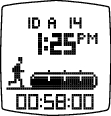 | Enter the diary from the time view by pressing the and then the button. |
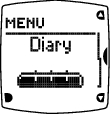 | Diary The activity bar shows the current day's activity in the moderate to vigorous+ zones. |
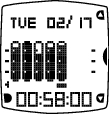 | Each bar represents a day. The filling of the bar indicates your activity on the selected day. The selected date is shown on the top row, and the active time on the selected day is shown on the bottom row. Select the day you wish to look closer with /, and enter the day with . |
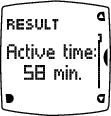 | Result Your active time on the selected day. |
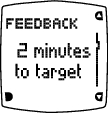 | FEEDBACK Feedback about your activity:
|
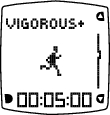 | VIGOROUS+ The time you have spent on the Vigorous+ zone. |
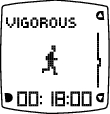 | VIGOROUS The time you have spent on the Vigorous zone. |
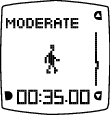 | MODERATE The time you have spent on the Moderate zone. |
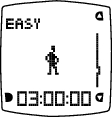 | EASY The time you have spent on the Easy zone. |
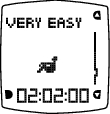 | VERY EASY The time you have spent on the Very easy zone. |
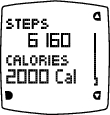 | STEPS The total number of steps taken on the selected day. CALORIES The total number of calories expended on the selected day. Calories are measured as kilocalories. If you have selected imperial units, calories are displayed as Cal, otherwise they are shown as kcal. Notice that calories can be disabled at polargofit.com web service. |
Some activities, for instance, cycling, indoor cycling, weight training (gym) and very slow movement do not accumulate enough active time, calories or steps.
To exit the diary, press the button.
To enter the time view, press and hold the button.