















How can I sync my weight and activity data from my wrist unit to the Balance web service?
Applies to:
There are two ways to sync your weight to the web service from your wrist unit:
A. Wirelessly syncing via Flow app
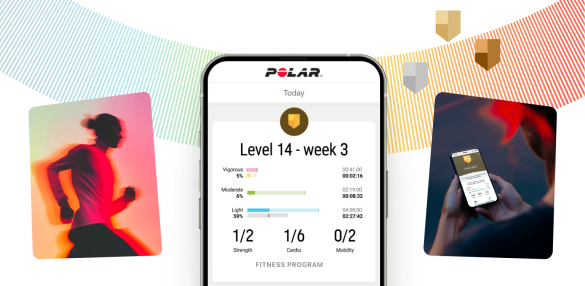
If you use the Polar Flow mobile app, you can sync your data automatically with the web service by opening the app and pressing the button on your Polar wrist unit
*If your wrist unit has one button (for example Polar Loop), press it until the display turns on and wait. If your wrist unit has five buttons (for example Polar M400), press and hold the BACK button for 2 seconds and wait.
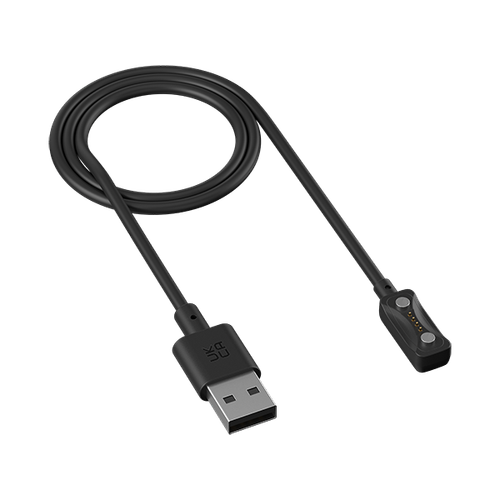
B. Connecting your wrist unit to your computer with the USB cable
Every time you plug in your Polar wrist unit to your computer, Polar FlowSync software will transfer your weight and activity data to the web service. The Polar FlowSync software must be running on your computer’s taskbar (Windows) or menu bar (Mac OS X) for the automatic sync to work.
Shop maintenance
Sorry, our shop is currently down for planned maintenance. To track the progress of the break, head over to https://status.polar.com/