About your watch
Check the device ID of your watch, as well as the firmware version, HW model, A-GPS expiry date and the Polar Vantage V3-specific regulatory labels. Restart your watch, turn it off or reset all data and settings on it.
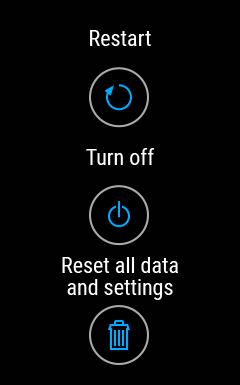
Restart: If you experience problems with your watch, you can try restarting it. Restarting the watch will not delete any of the settings or your personal data from the watch. You can also restart your watch by pressing and holding the BACK and DOWN buttons simultaneously for 10 seconds.
Turn off: Turn your watch off. To turn it back on press and hold the OK button.
Reset data: Reset the watch back to factory settings. This will erase all data and settings on your watch.
Scroll all the way down to find Licenses and, under Certificates, Polar Vantage V3-specific regulatory labels.