Watch face settings
In Settings > Watch face you can choose between analogue and digital display and customize the watch style and color.
First choose Digital or Analog. Then choose the style.
Under Digital you'll find Symmetry, Minutes in middle, Small seconds, Seconds in circle and Magnifying glass.
Symmetry
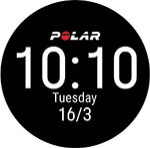
Minutes in middle
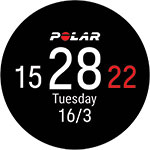
Small seconds
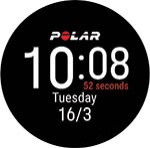
Seconds in circle
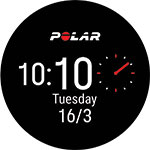
Magnifying glass
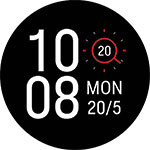
Under Analog you'll find Classic, Art Deco, Lollipop, Pearl and Sword.
Classic
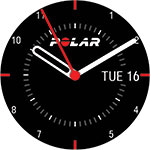
Art deco
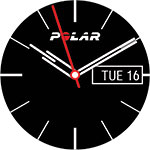
Lollipop
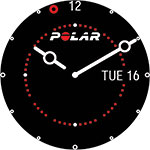
Pearl
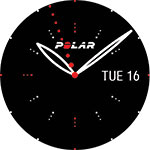
Sword
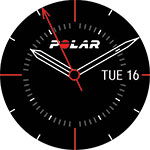
Choose the color theme for your watch face. The available colors are red, orange, yellow, green, blue, purple, pink and peach.
Note that for the Digital Symmetry option you cannot change the color.